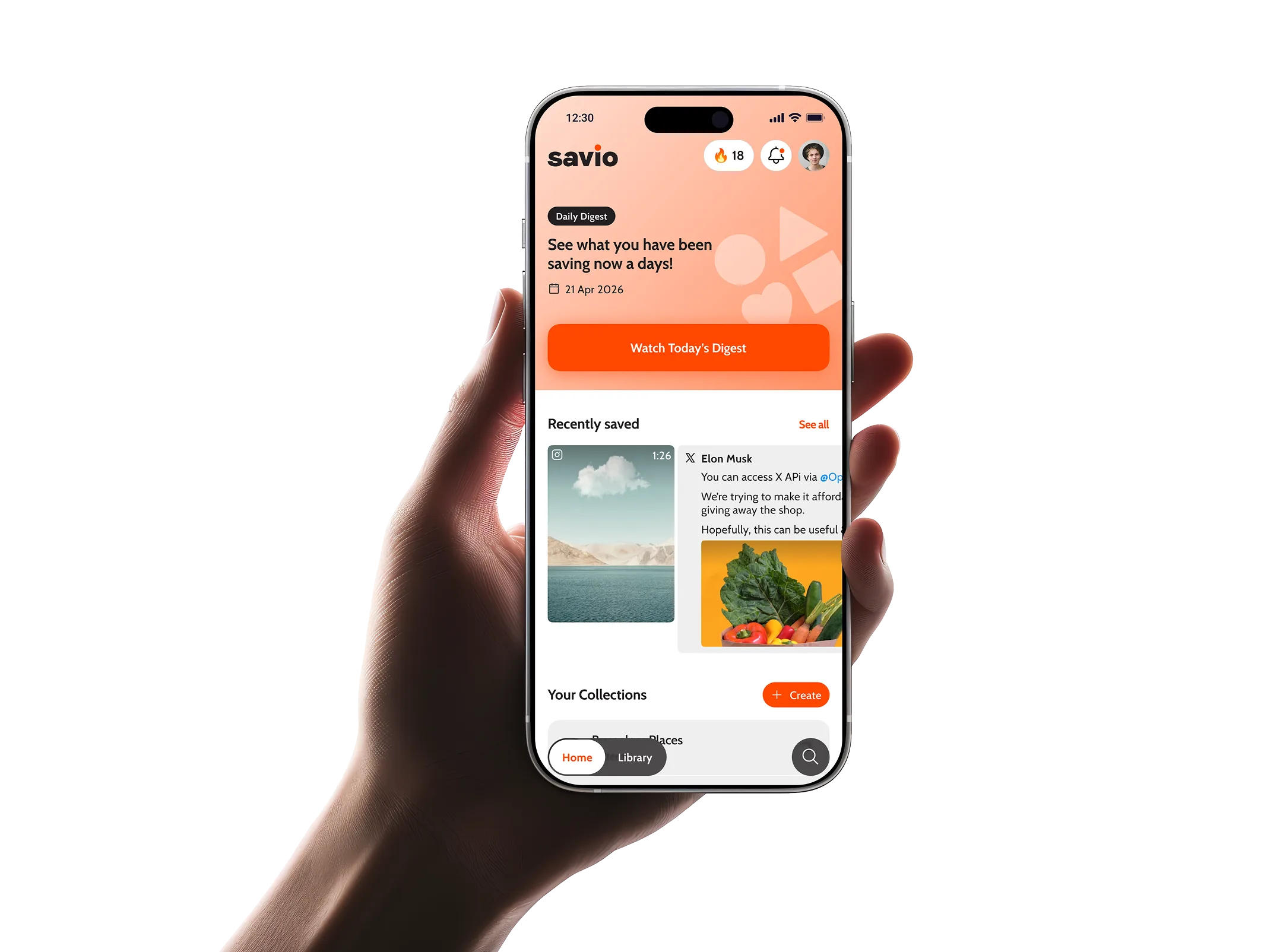
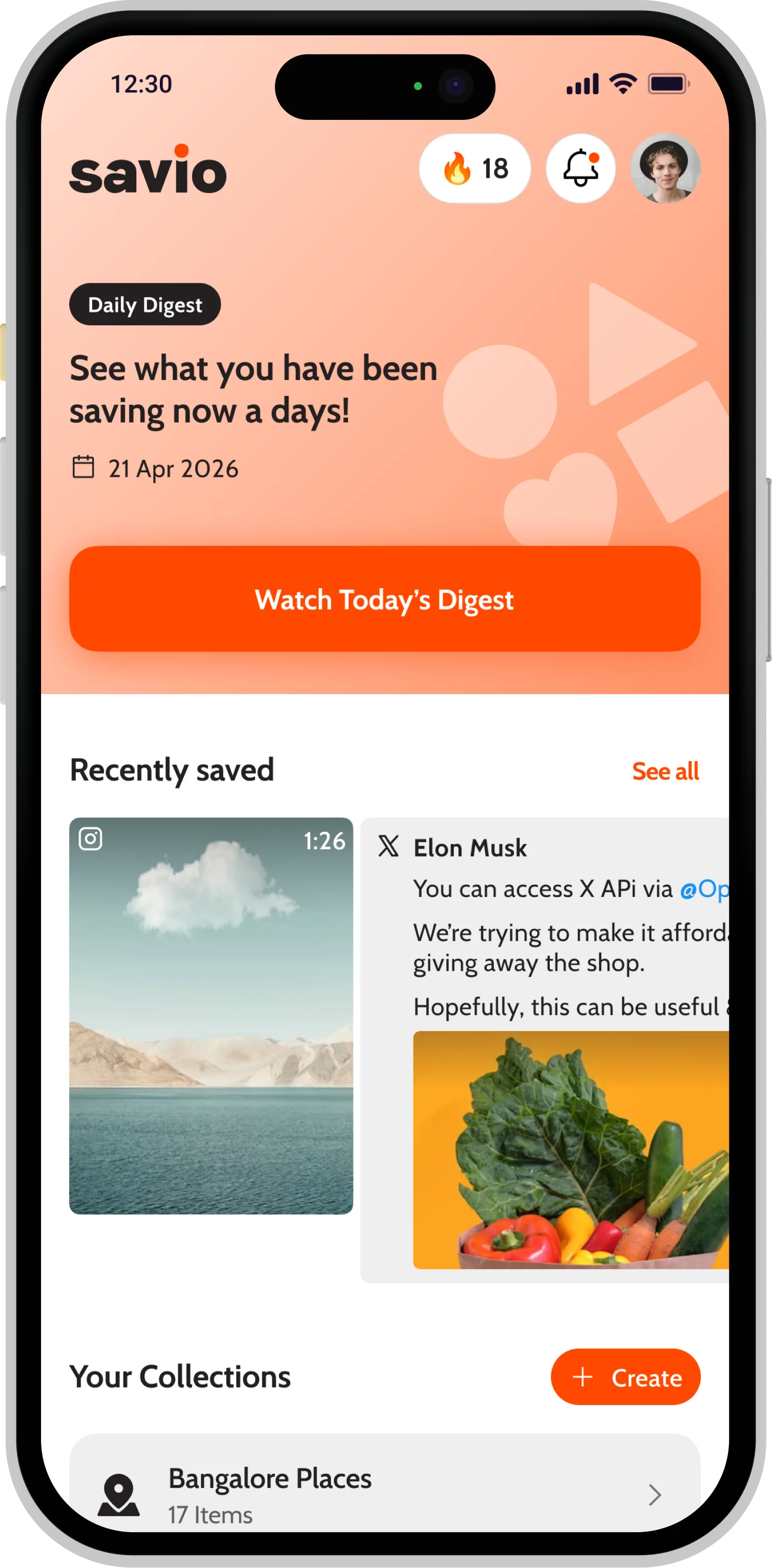
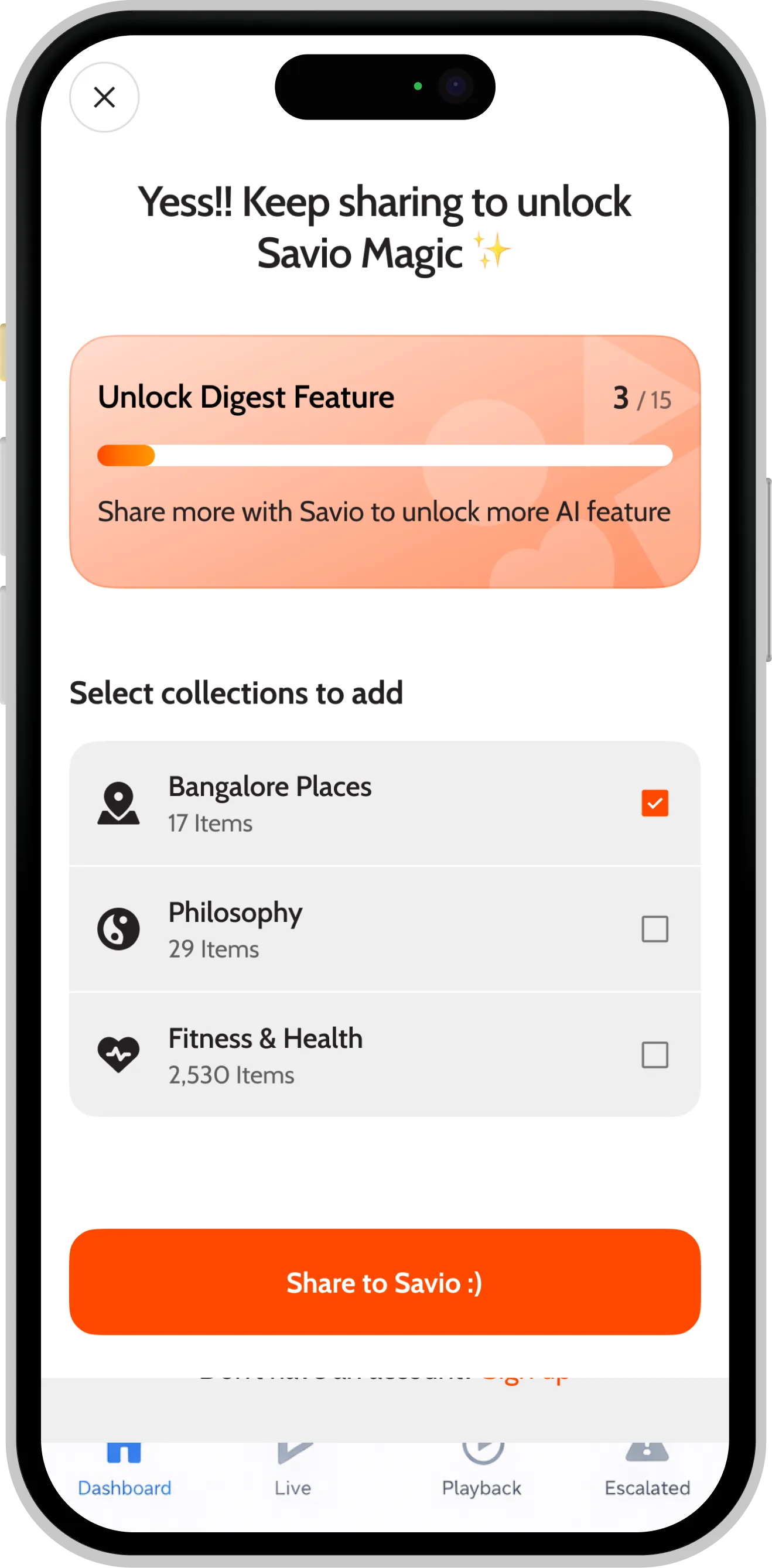
Savio isn't just a place to dump links. It helps you save content with intention, organize it into collections, and actually come back to it with smart reminders—so nothing important gets lost.
Features
A calmer way to
keep what you love.
Save in one tap
From any app,
straight to Savio.
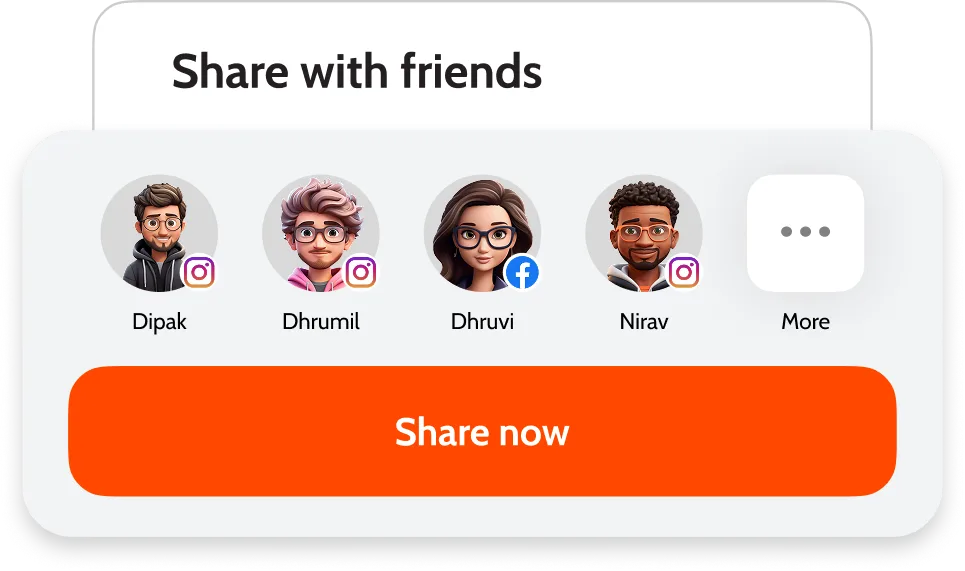
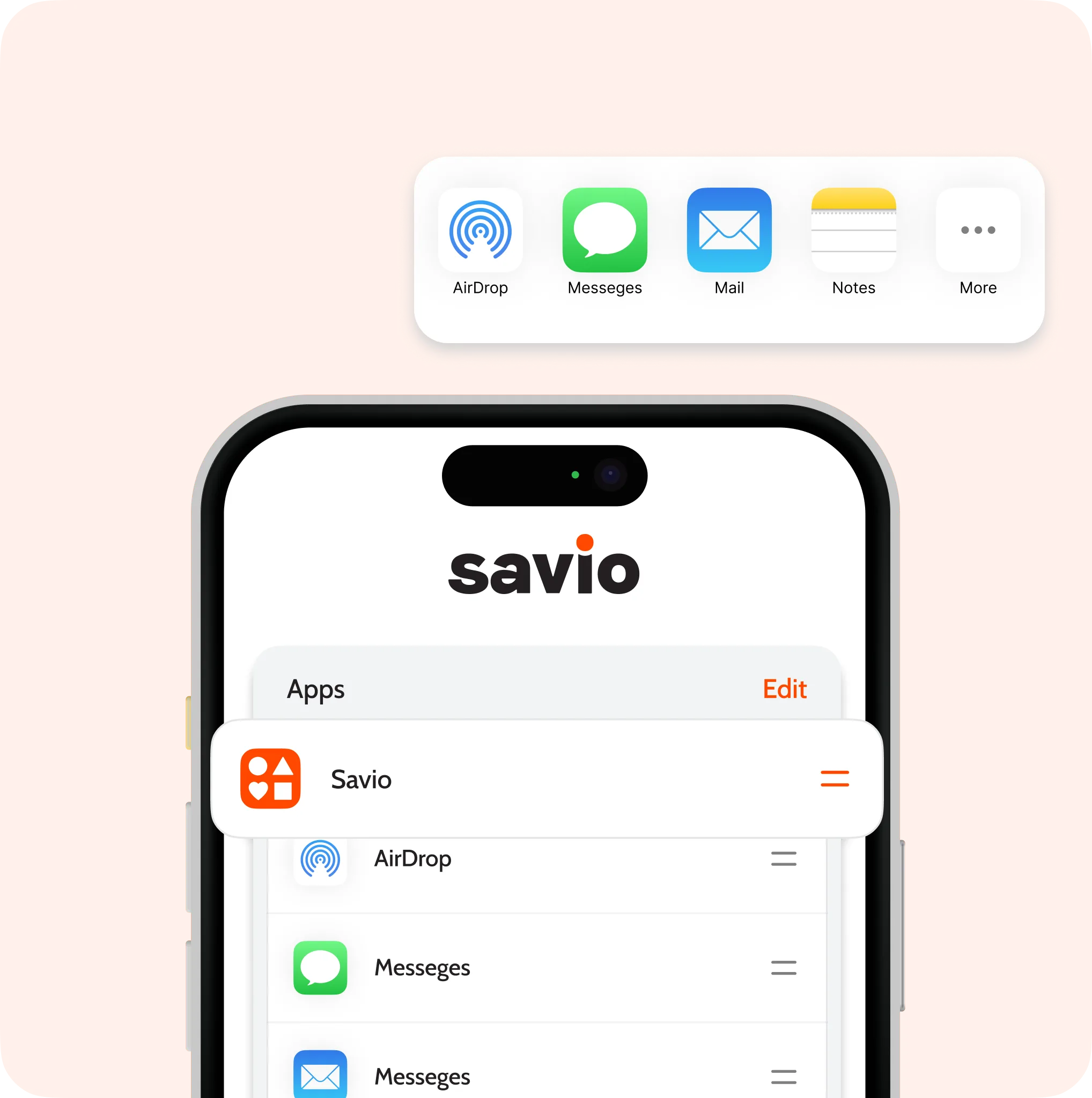
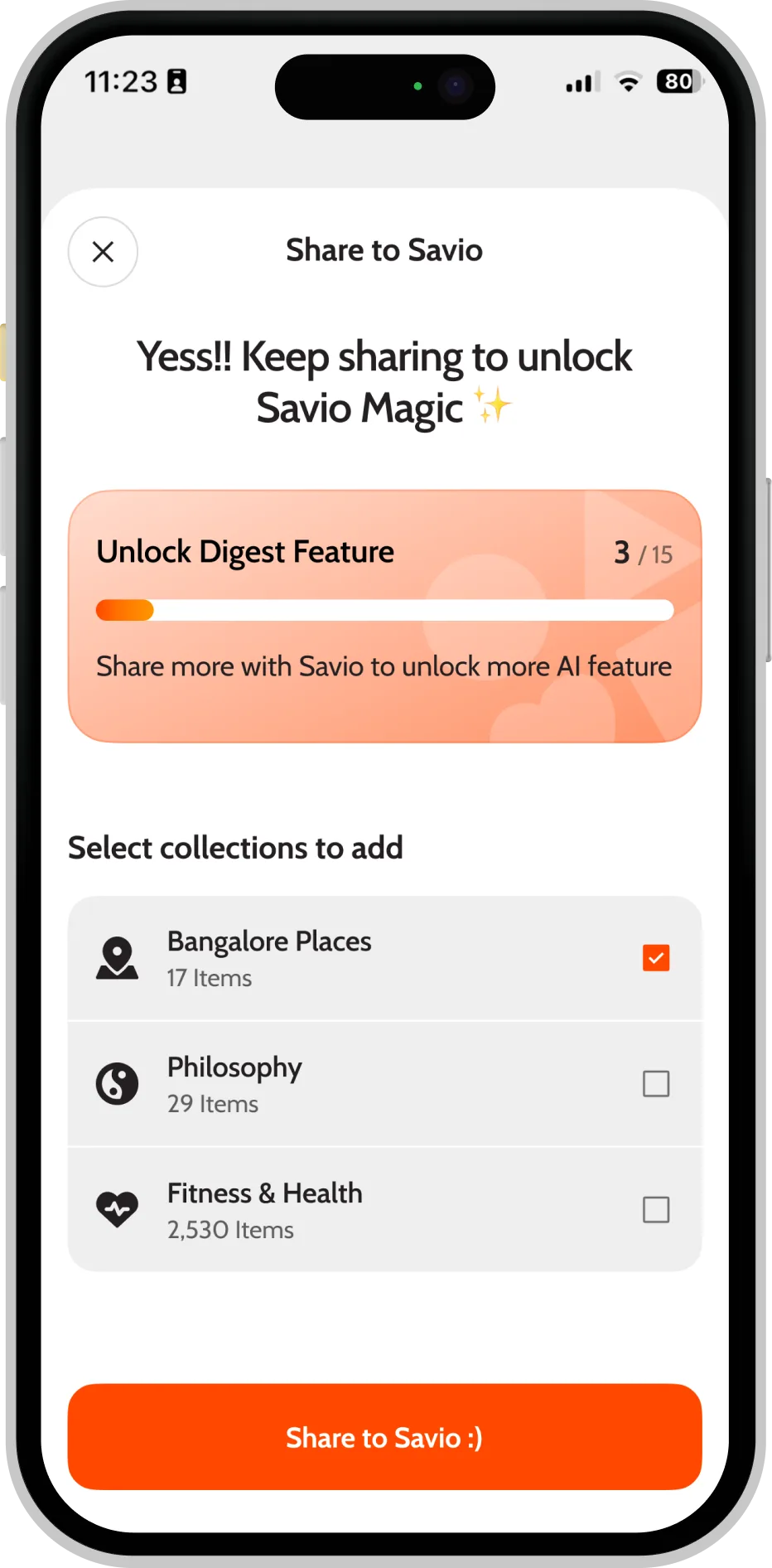
Hit share, choose Savio, done. No copy-paste, no broken links — just frictionless capture from anywhere on your phone.
Organize your world
Collections that actually
feel yours.
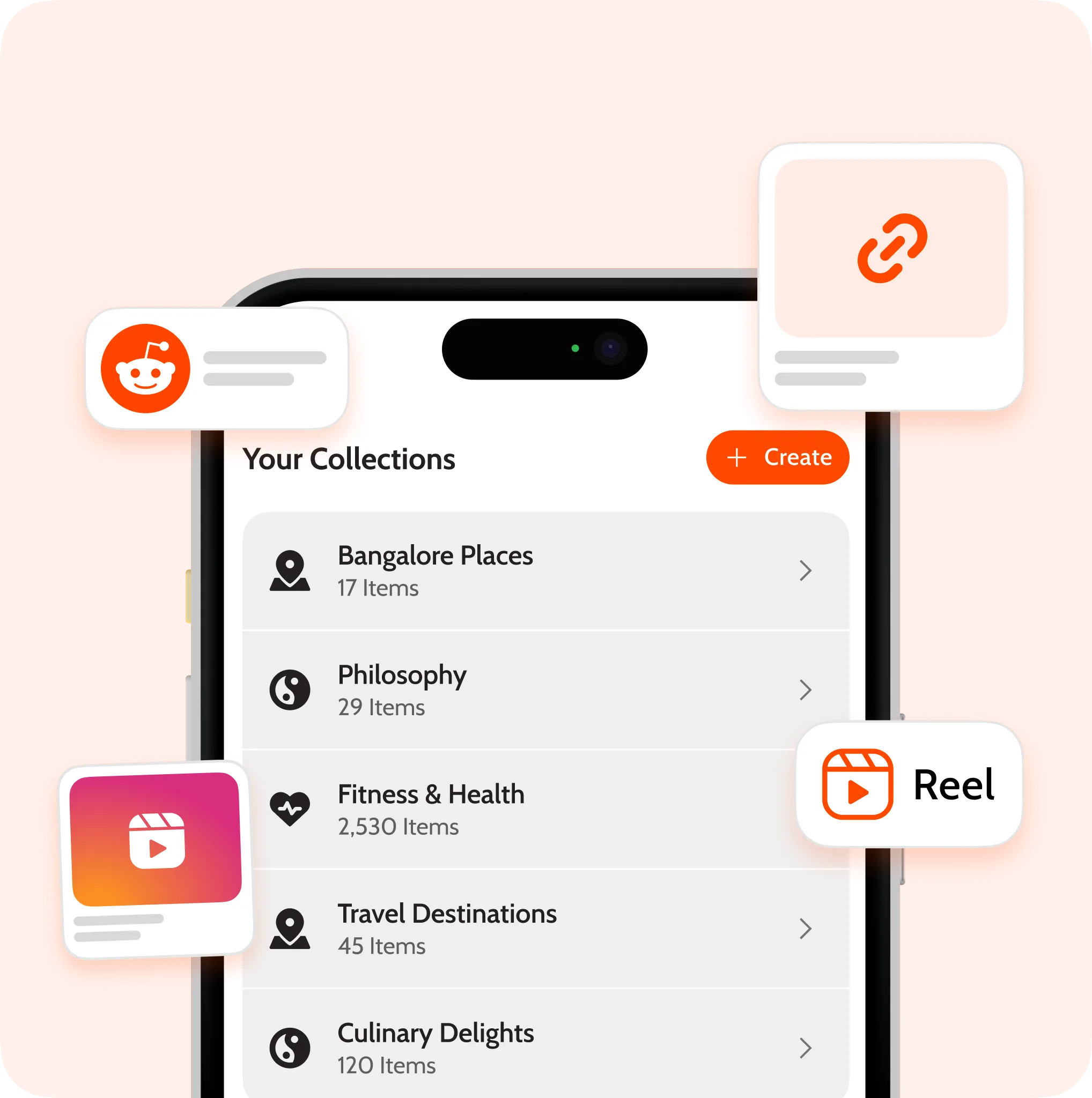
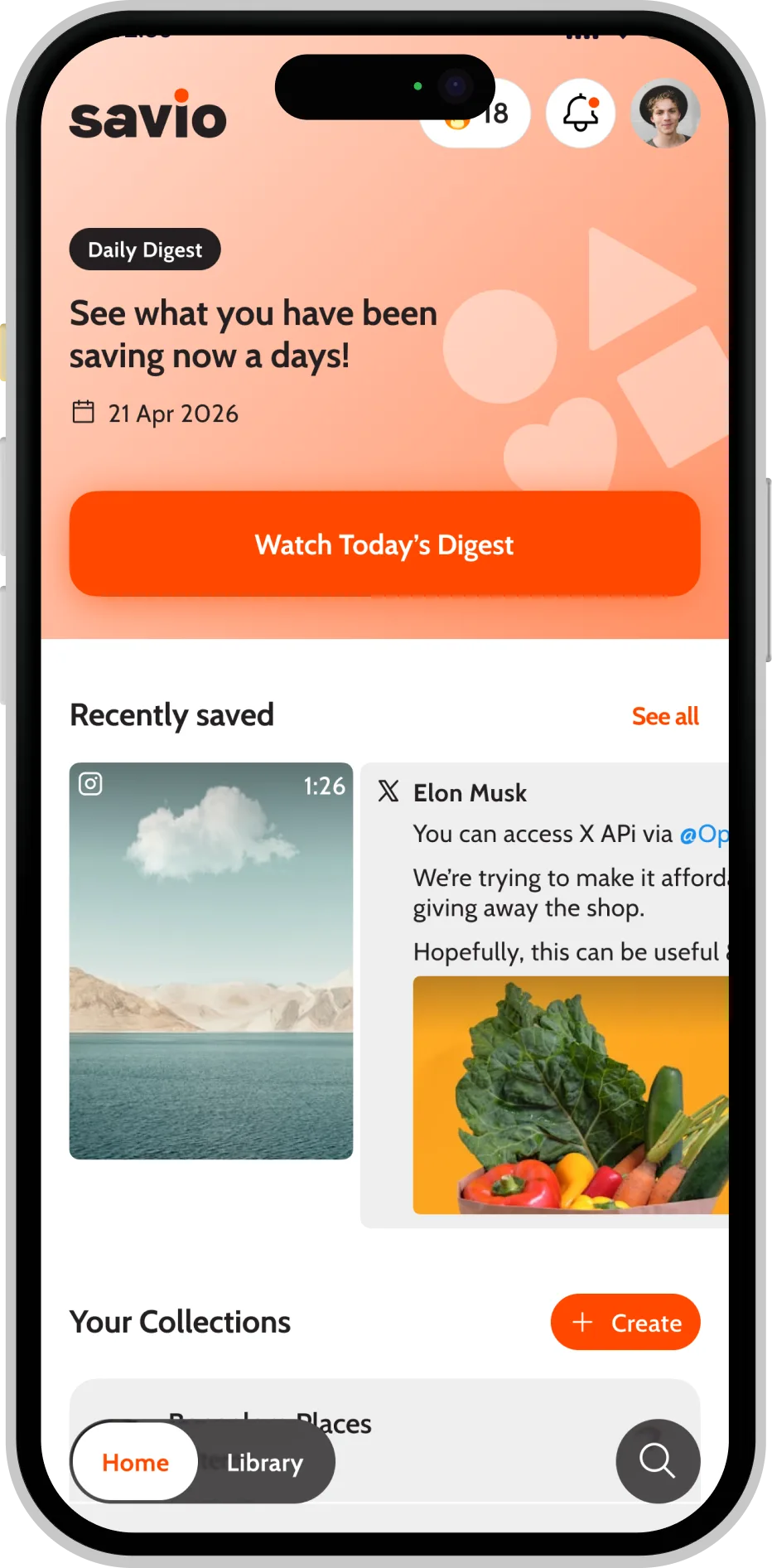
Group saves into beautiful collections. Auto-tagged by source and topic, sortable any way you think.
Daily digest
One quiet moment,
instead of a thousand.
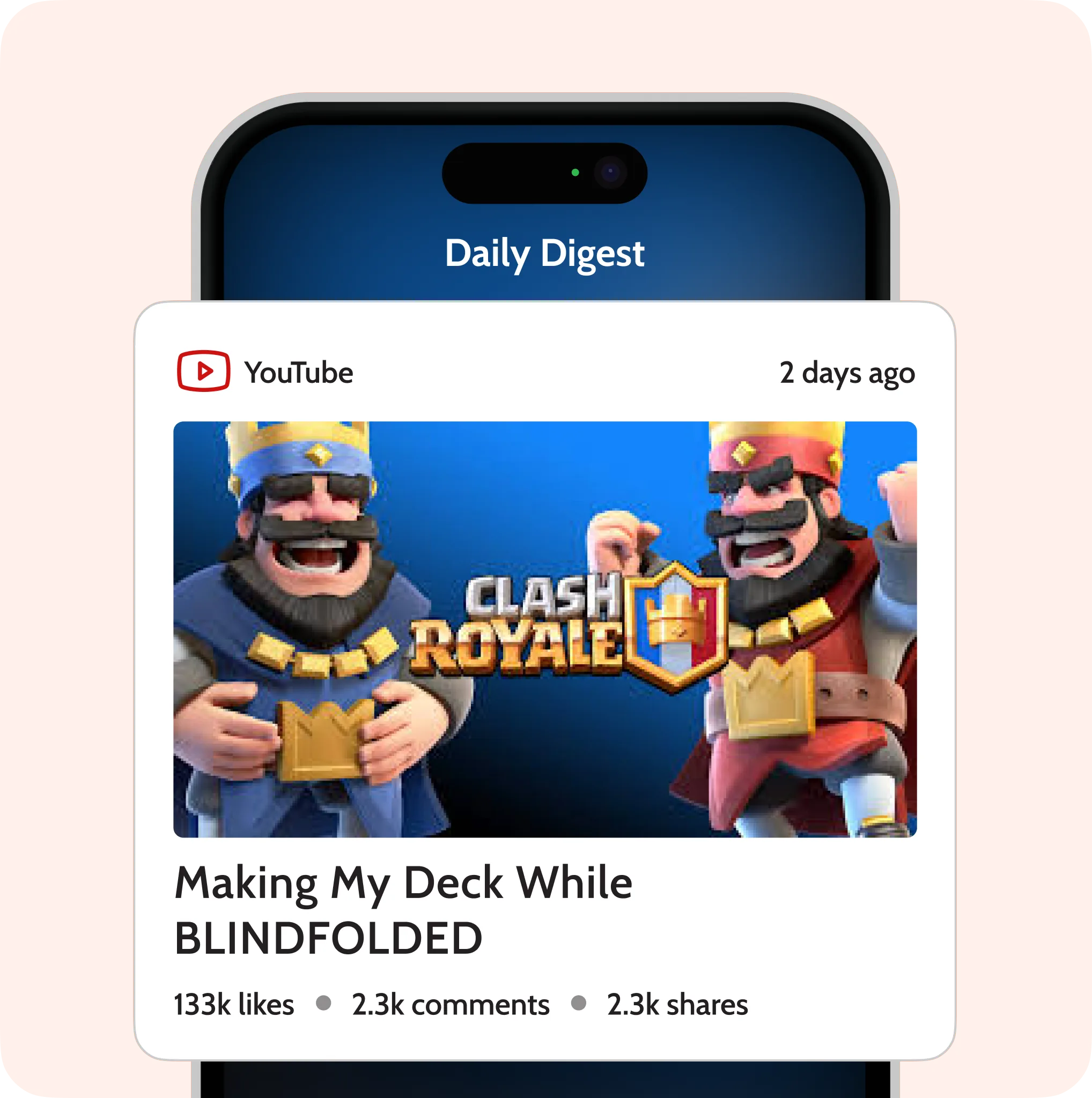
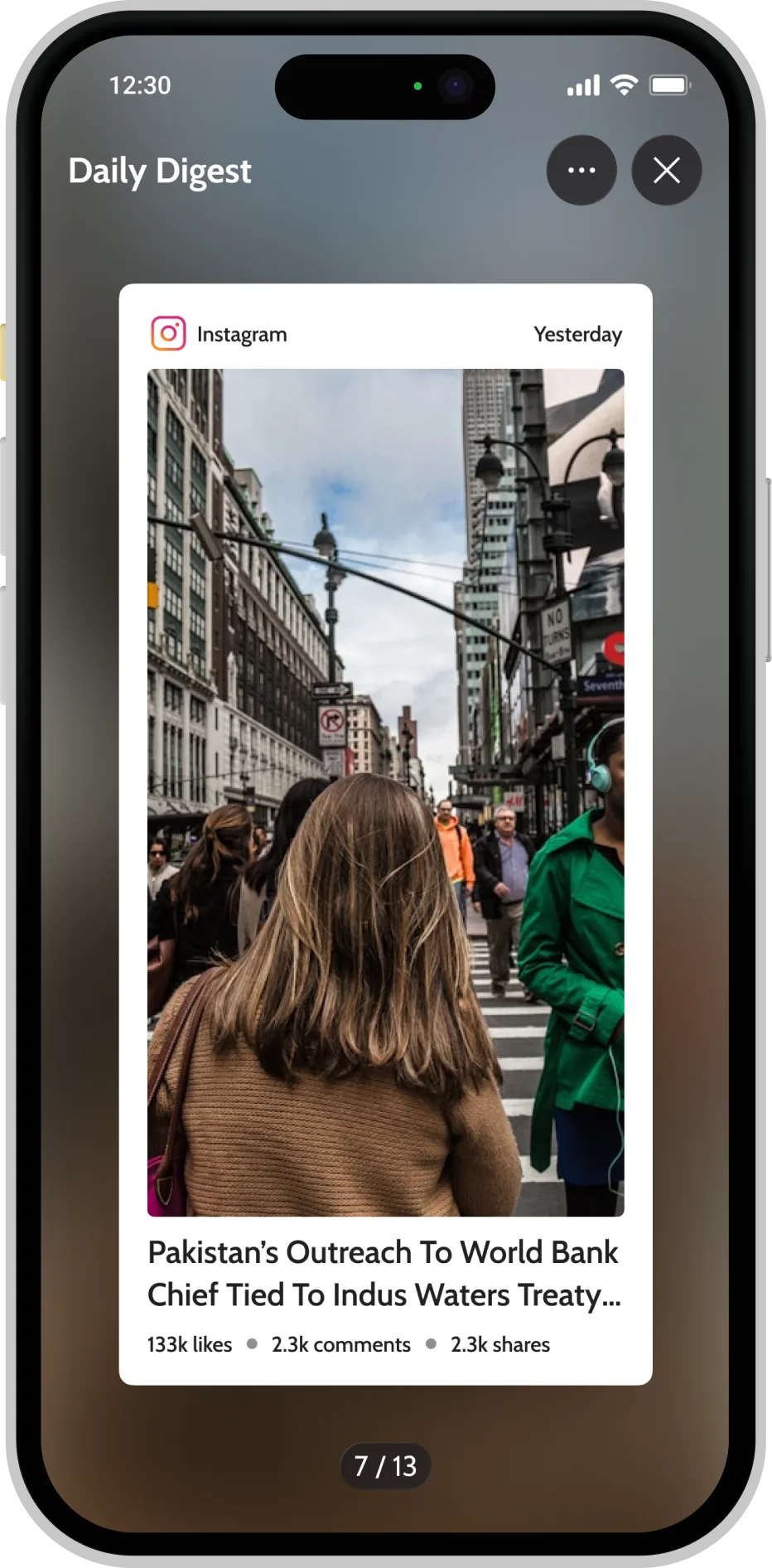
A handpicked digest of what you saved, ready when you wake up. Read what matters, then close the app.
Smart reminders
The right save, at the
right moment.
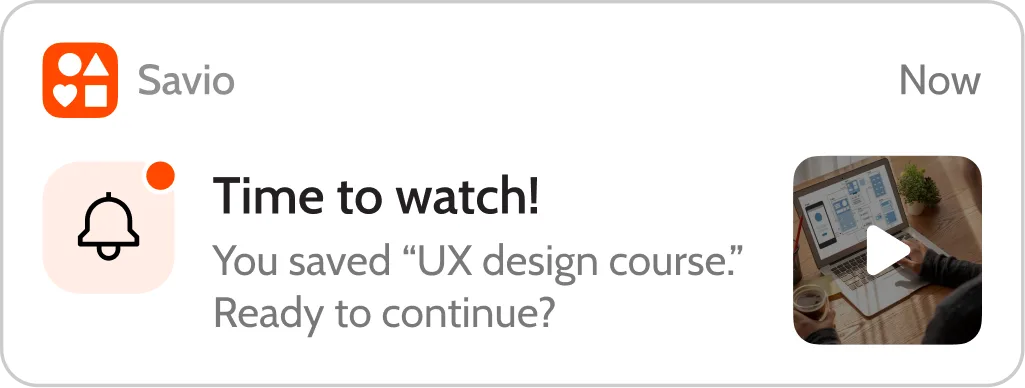
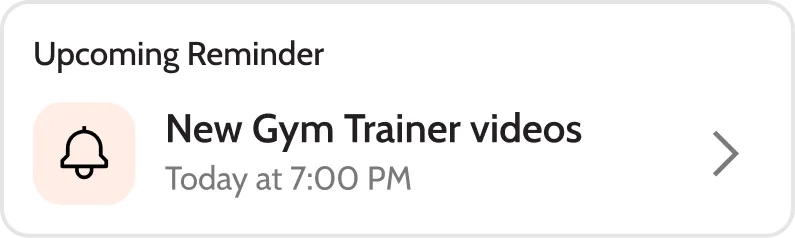
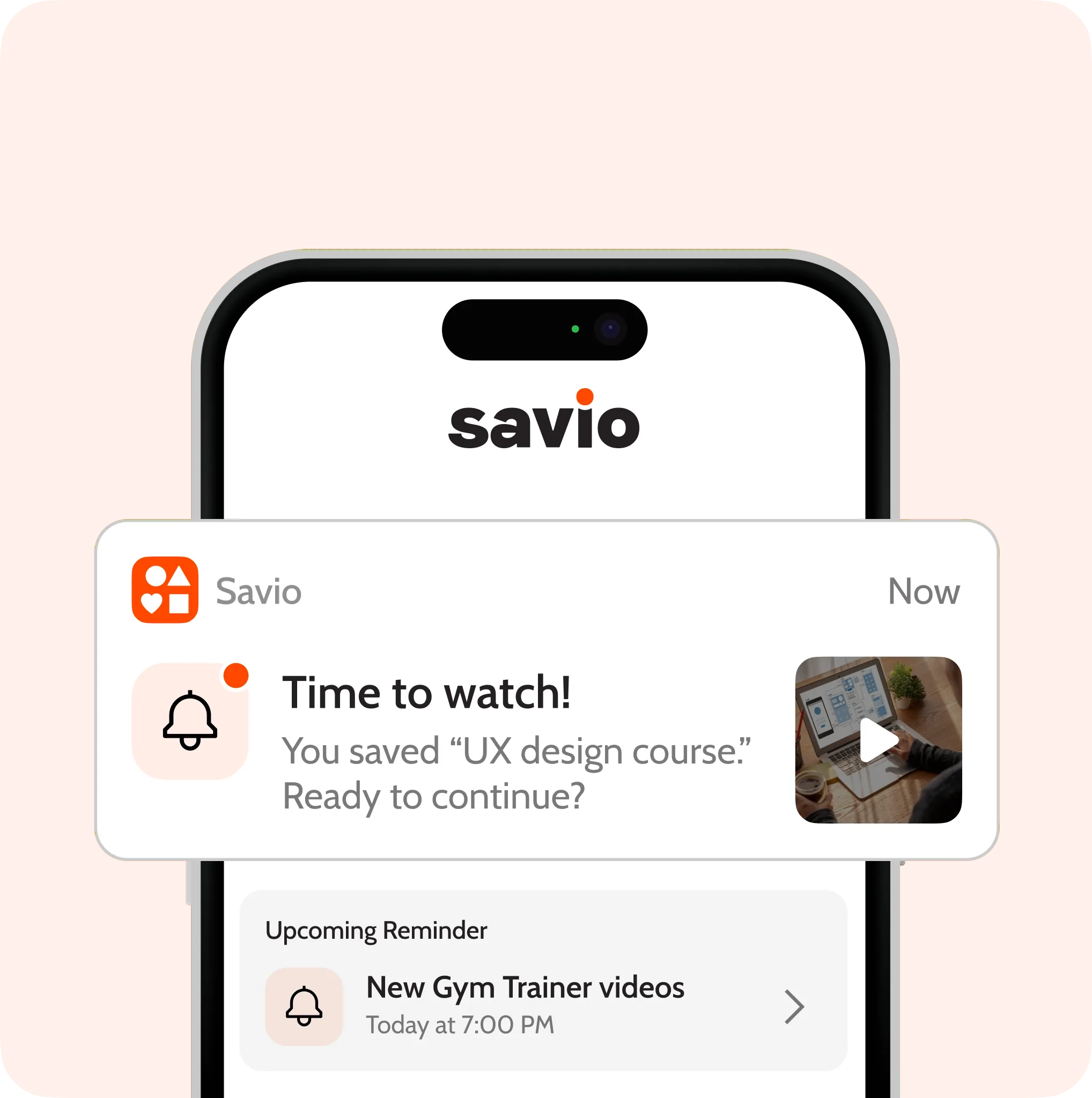
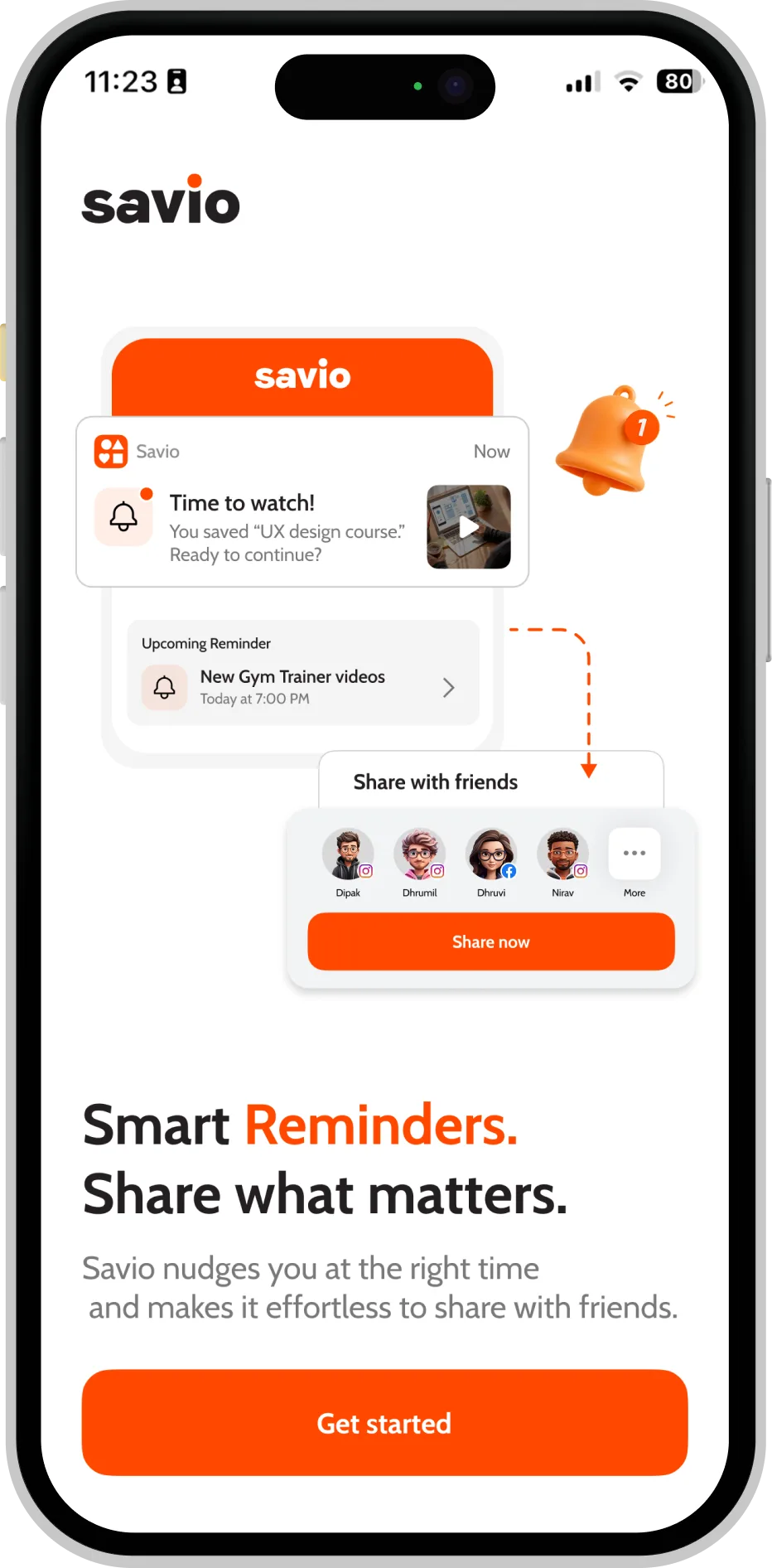
Savio learns when you actually read, watch and revisit — and gently surfaces the right things at the right time.
How it works
Three steps. Zero friction.

Step 1
Save
Share anything to Savio in a single tap.

Step 2
Organize
Drop it into a collection — or let us suggest one.

Step 3
Revisit
Get gentle reminders and your daily digest.
The app
Designed with the same care
you save with.
FAQs
Frequently asked questions
Articles, videos, tweets, reels, podcasts, recipes, products, screenshots — anything you can share to a phone app lands cleanly in your library.
Hit the share button in any app, choose Savio from the share sheet, and it shows up in your library instantly. No copy-paste, no broken links.
Each morning Savio handpicks a digest from what you saved, so you actually read what matters instead of doom-scrolling through a forever inbox.
Yes. Your library is 100% private by default. Collections become shareable only when you explicitly choose to share them.
Savio is free to download — $0 to start on iOS. Power features like AI Magic and larger digest windows are part of an optional subscription.
Your saved world,
one tap away.
Free to download. Built for the people who like to revisit.

On desktop? Get the Chrome extension